Presentation
Organize and present information clearly
Free to start

Benjamin Spinola, Co-Founder · SlidesGPT
Published 21 February 2026 · Updated 11 July 2026 · 9 min read
SlidesGPT has powered over 10 million presentations for more than 5 million users since 2023 and is the #1 productivity tool in the ChatGPT store. Professionals at Google, Harvard, BCG, Stanford and Amazon use it every day. This glossary entry explains what a presentation is, how to build one, and which tools fit.
Presentations are everywhere—from classrooms and boardrooms to conferences and sales meetings. Sometimes they're used to explain an idea. Sometimes they're there to persuade people or help people make a decision. At their best, presentations make complex information easier to understand.
While many presentations use slide decks, a presentation can also be delivered live, recorded, or shared out-of-sync for review and decision-making.
Definition of Presentation
A presentation is simply a way of communicating an idea to an audience. It usually combines spoken or written content with supporting visuals such as slides, charts, demos or handouts.
Common delivery formats include:
- Live – in-person or virtual delivery with a speaker
- Recorded – a pre-recorded talk with slides or visuals
- Out-of-Sync – a deck or document shared for reading, feedback, and decisions without live delivery
Origin of the Term Presentation
The word presentation comes from the Latin "praesentare", meaning to place before or to show. It reached English in the late 14th century through the Old French (presentacion) and Medieval Latin, and over time developed the modern sense of formally showing or explaining something to others. Today, the word refers both to the act of presenting and to the supporting material itself, such as a slide deck.
Presentation Evolution: From Analog Slides to Digital Decks
Modern presentation formats evolved long before slide software. In the 1960s, many talks relied on slide projectors using photographic slides, especially in education, research, and at conferences. In the 1970s and into the 1980s, overhead projectors became common in classrooms and offices because transparencies were cheap and quick to update on the go.
Digital presentations took off in the 1980s with early computer-based slide tools and became mainstream in the 1990s as Microsoft PowerPoint spread widely and projectors became standard in meeting rooms. Apple added a major design-focused option with Keynote, introduced in 2003, which became especially popular for keynote-style storytelling and visually polished decks.
Since the 2010s, cloud-based editors, widespread video meetings, and remote presenting have expanded what digital presentations mean, making slide decks the default format across many business and education settings. Today another shift is underway. In 2026 AI tools like SlidesGPT can already turn notes into outlines, suggest slide titles, and draft first versions of presentations. They save time—but they're still only a starting point. The final quality depends on the person reviewing the content.
Presentation Types
Most presentations fall into a few common categories:
- Business presentations – team updates, strategy briefs, stakeholder alignment, executive summaries
- Sales presentations / pitch decks – proposals, product pitches, discovery recaps, partnership decks
- Training and workshop decks – onboarding, enablement, process walkthroughs, facilitated workshops
- Academic presentations – lectures, research summaries, seminar talks, class reports
- Conference and keynote presentations – thought leadership, keynote narratives, event sessions
- Webinars and virtual presentations – educational sessions, demos, panel sessions, virtual talks
Presentation vs. Slideshow vs. Pitch Deck
People often use these terms interchangeably, but there are a few important differences:
- Presentation – the broad umbrella: any organized message delivered to an audience
- Slideshow – emphasizes visual flow and pacing, often with fewer words and more visuals
- Pitch deck – a persuasion-focused presentation designed to drive a decision (why us + proof + ask)
A pitch deck is usually more outcome-driven. A slideshow is more delivery-driven. A presentation can be either, depending on the goal.
Why Do Presentations Matter?
A good presentation doesn't just share information, it helps people understand it. Whether you're pitching an idea, explaining a project or teaching a topic, a clear presentation makes it easier for people to follow your thinking and remember the important points.
Key Goals of a Presentation
Most presentations aim to:
- Explain something clearly – updates, summaries, status reports
- Win people over – recommendations, pitches, buy-in
- Teach a skill or concept – processes, how-tos, training
- Get everyone on the same page – shared understanding so people can decide
Benefits in Business, Education and Marketing
Good presentations make information easier to process. Instead of overwhelming people with a lot of details, they highlight what matters most and make key ideas easier to remember.
What Makes a Presentation Effective?
If you've ever watched a great presentation, you've probably noticed a few recurring patterns. The best ones focus on one clear message, follow a logical structure and back up important points with examples or evidence. In practice, that means:
- Clarity –> a clear message with a consistent "so what"
- Logical structure –> sections build in a sensible order
- Visual hierarchy –> the audience can scan what matters most
- Evidence and examples –> claims are backed up by data, cases, or comparisons
- Strong opening and close – the start frames expectations; the end drives action
Presentation Structure: How to Build a Great Deck
A strong deck is built like a narrative: it sets context, delivers the key message, supports it with evidence and ends with a very clear next step. The structure is what keeps a deck from sliding into a pile of unrelated slides. If you nail the storyline early, design becomes easier and revisions become smaller.
The Classic Presentation Outline
A practical structure that fits many contexts:
- Title + goal (what this is and why it matters)
- Agenda or roadmap (what you'll cover)
- Context and problem (what's happening and what's at stake)
- Key message or insight (the core takeaway)
- Evidence and examples (proof and implications)
- Recommendation or solution (what to do)
- Next steps / CTA (who does what, by when)
- Q&A or discussion (if live)
Not every deck needs every section, but most decks fail when they skip context or end without a clear next step.
How Many Slides Should a Presentation Have?
As a rough guide, plan around 3–5 slides for 5 minutes, 6–8 slides for 10 minutes, 8–12 slides for 15 minutes and 10–15 slides for 20 minutes. Important: Clarity and a realistic speaking pace count for more than the exact number. Aim for only one idea per slide.
Best Practices for Presentation Slide Design
Good slide design comes down to leaving things out:
- Stick to one idea per slide, and split anything that tries to cover two.
- Make titles easy to scan before adding supporting information.
- Give elements room to breathe; white space makes slides easier to read.
- Keep typography, alignment and layout consistent from slide to slide.
- Reach for a chart, diagram or screenshot before a block of text.
If the audience has to read paragraphs to follow a slide, it's overloaded.
Presentation Delivery Tips
Even great slides can't replace a good delivery. Speaking clearly, managing your pace and keeping the audience engaged usually matters more than adding another animation.
- Keep the detail in your speaker notes, not on the slide.
- Let the storyline set your pace instead of a fixed clock.
- Build in pauses, questions and quick recaps at the transitions.
- For Q&A, repeat the question, answer briefly, then tie it back to your point.
Presentation Tools: Software to Create a Presentation
Most presentation tools can create great slide decks. What really separates them is how they fit your workflow, how easy they are to collaborate in and how quickly you can edit a deck.
Popular Presentation Software
The most popular presentation tools in 2026 are Microsoft PowerPoint, Google Slides, and Apple Keynote.
Design-Focused and Alternative Tools
Other tools fit certain jobs better: Canva (templates and design speed) and Prezi (non-linear navigation). If you would rather start from a ready-made form, presentation templates are a good place to begin.
What to Look for in Presentation Tools
Focus on what fits your way of working: templates and themes for speed and consistency, collaboration features like comments and versioning, export formats such as PPTX and PDF, brand-kit support, and room for charts, embeds, and media. The best tool is the one that makes your deck easier to revise and easier to deliver.
AI Powered Presentation
AI is particularly useful during the early stages of creating a presentation. Instead of starting with a blank slide, you can generate a first outline in minutes. That doesn't remove the need for editing, though. Facts still need checking, numbers need verifying and the final presentation should always reflect your own voice.
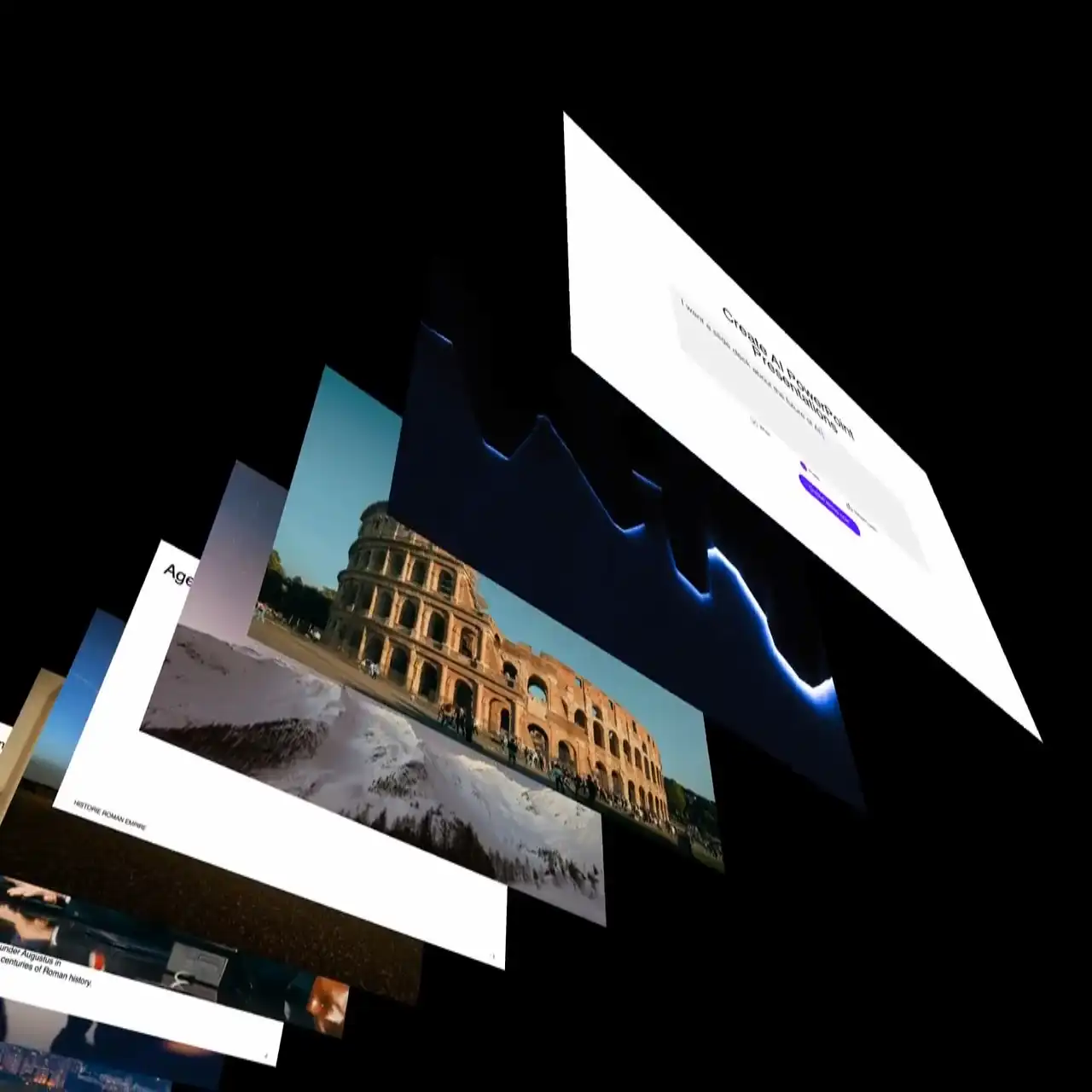
Tools like SlidesGPT can generate a first-draft deck from a prompt or a text brief by proposing an outline and drafting slide titles and bullets. For a step-by-step walkthrough, see the guide on how to create an AI presentation. If you specifically want AI-generated PowerPoint decks, the AI PowerPoint presentation page goes deeper on that format. If you prefer to start with a polished layout instead of a blank slide, explore our collection of presentation templates for all common tools. If you want to create a presentation in minutes, check out our AI PPT Maker: AI PPT Maker
Presentation Quality Checklist
Before you share or present a deck, run this quick review:
- Can someone explain your main message after looking at the deck?
- Slide titles read as takeaways
- Text is readable from a distance
- One idea per slide
- Visual hierarchy is consistent
- Evidence backs up major claims
- CTA / next step is clear
- Timing fits the slot
- Export and font check is clean
Presentation FAQ
Ready to Create Amazing Presentations?
Creating a great presentation rarely starts with perfect slides. It starts with a clear idea. Tools like SlidesGPT can help you get from a blank page to a structured first draft much faster—but the final presentation is still shaped by your own judgment and experience.
Try SlidesGPT Free