SlidesGPT vs the top AI presentation tools
Honest, side-by-side comparisons focused on what matters for a PowerPoint generator: editable export, free plans, and how you start a deck.
Every comparison below rests on our own testing. We ran the same one-sentence brief through all nine tools, exported the result, and unzipped each file to see whether the text and charts were really editable. Every comparison credits the other tool's genuine strengths, and reflects SlidesGPT's real model: free to generate and preview a full deck, with editable PowerPoint, Google Slides, and Keynote export on the Pro plan.
Pick a comparison to see the details, or start generating a deck for free.
Choose a comparison
 VS
VS
SlidesGPT vs ChatGPT
A general assistant that can draft slide content, and a tool built to turn that content into a finished, editable deck.
- VS
SlidesGPT vs Gamma
Two fast ways to generate a deck, with a real difference in how the result exports to editable PowerPoint.
- VS
SlidesGPT vs Beautiful.ai
One lets you judge a finished deck before paying. The other asks for a card before it shows you a single slide.
- VS
SlidesGPT vs Canva
A broad design platform versus a tool built specifically to output editable presentation files.
- VS
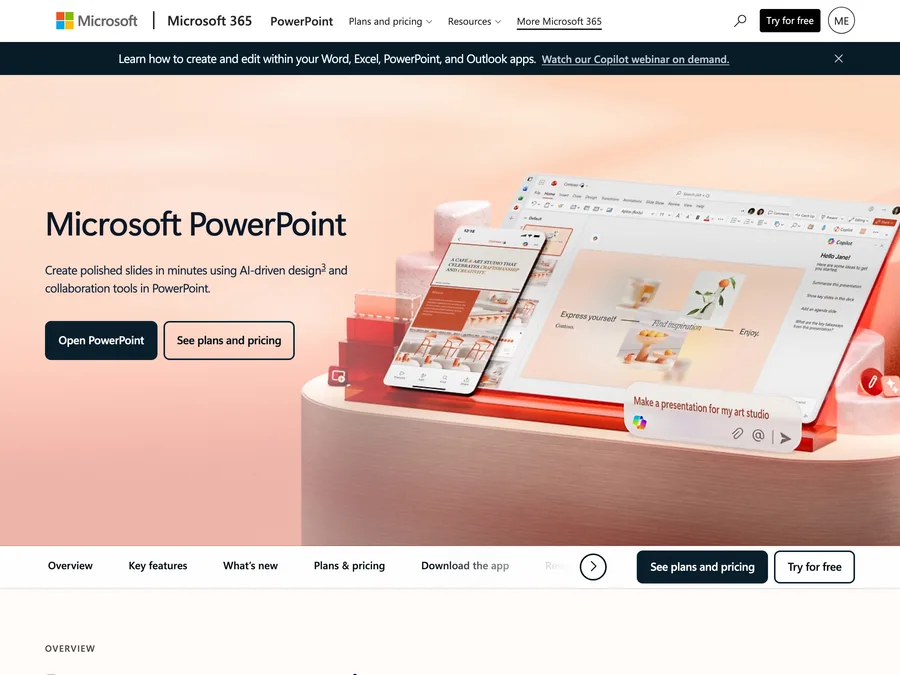
SlidesGPT vs Microsoft Copilot
Native PowerPoint output that requires a paid Microsoft 365 and Copilot license, versus a free-to-start standalone tool.
- VS
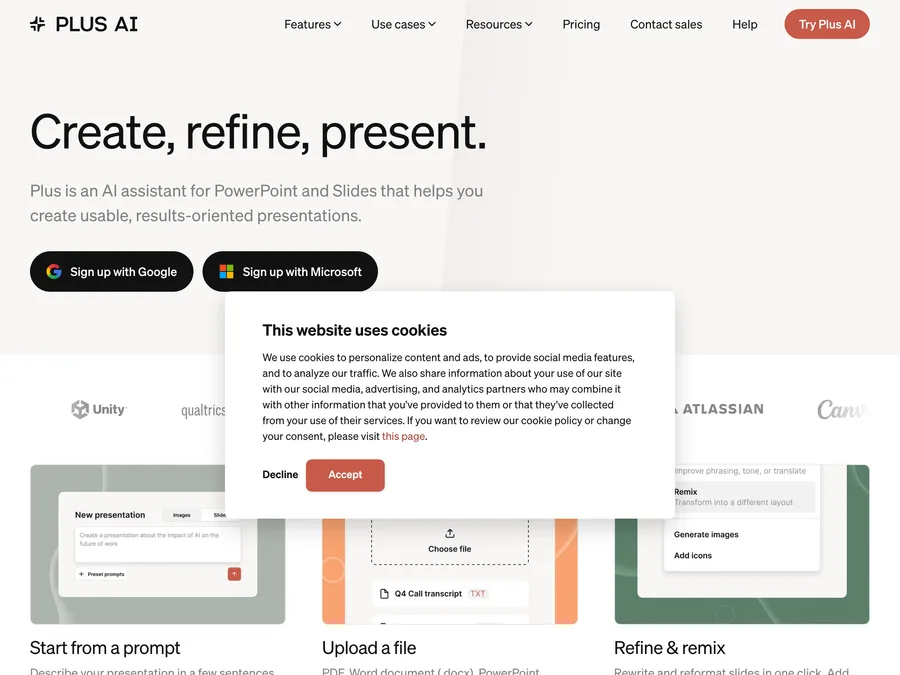
SlidesGPT vs Plus AI
An add-in that lives inside Google Slides and PowerPoint, versus a free-to-start standalone generator.
- VS
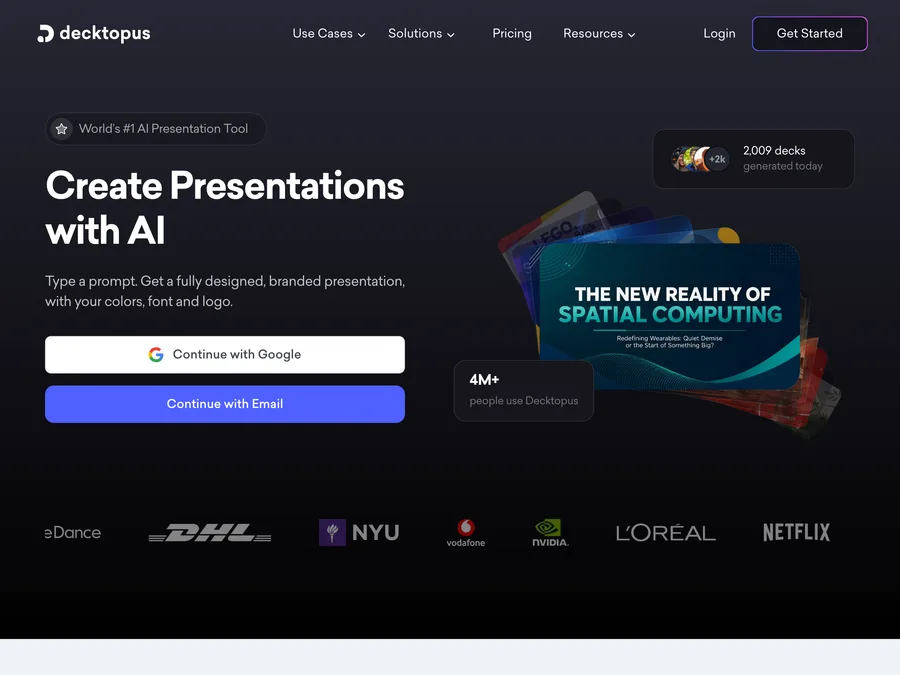
SlidesGPT vs Decktopus
An interactive online deck builder versus a tool focused on a faithful, editable PowerPoint file.
- VS
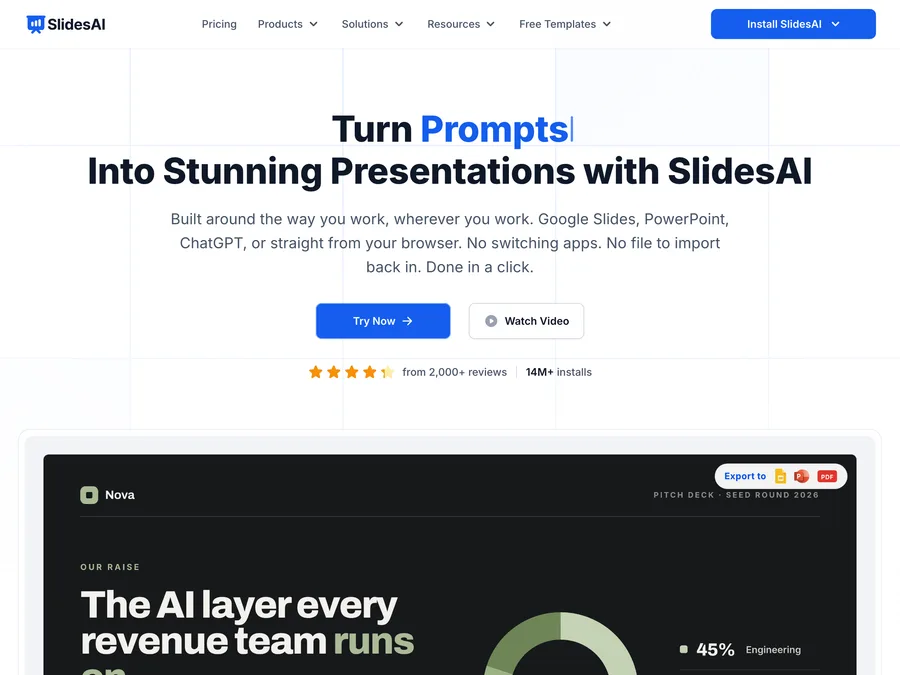
SlidesGPT vs SlidesAI
A Google Slides add-on versus a tool that treats native PowerPoint as a first-class output.
- VS
SlidesGPT vs Presentations.ai
Both are free to start, but they gate export differently and take different views of the finished deck.