AI PowerPoint Presentation
Create a structured slide deck with AI in minutes — and export it as an editable .pptx file.
Free to start

Benjamin Spinola, Co-Founder · SlidesGPT
Published 21 February 2026 · Updated 3 June 2026 · 7 min read
SlidesGPT has powered over 10 million presentations since 2023 and is the #1 productivity tool in the ChatGPT store. Individuals from Google, Harvard, BCG, Stanford and Amazon use it every day. This guide covers what it actually takes to get a usable PowerPoint file out of an AI tool — from the people building one.
An AI PowerPoint Presentation is a slide deck drafted from a prompt, notes or an outline — and then exported as an editable .pptx file you can open in PowerPoint, Google Slides or Keynote. Most AI tools can generate slides. The harder part is producing a file that actually behaves like a PowerPoint file: editable layouts, working text boxes, consistent fonts, slides you can rearrange without things breaking.
That's the gap this guide is about. We've built one of the most-used AI PowerPoint tools on the market, and a lot of what we've learned isn't about generating slides — it's about generating slides that survive the round-trip into PowerPoint. The output has to be a draft you can finish in your usual environment, not a closed format you're stuck inside.
How to Create an AI PowerPoint Presentation
Most of the work happens before the slides exist. The pattern that consistently produces a usable .pptx file looks like this:
- Define the topic, audience and goal in plain sentences.
- Generate an outline first — and adjust it before any slides exist.
- Generate the slides once the outline holds together.
- Export to PowerPoint, then refine inside the tool you already know.
The outline step matters most. Skipping it almost always means generating a deck that looks fine for thirty seconds and then falls apart on the second read. With a tight outline, the rest is fast.
For deeper context on how AI drafting actually changes the workflow, see our AI Presentation Maker guide. This page focuses specifically on the PowerPoint output side.
What Makes a Usable AI PowerPoint File
A generated .pptx file is only useful if it survives editing. That's a higher bar than "looks good in preview." A usable file tends to have:
- Native text boxes, not images of text
- Editable layouts that respect PowerPoint's master slide system
- Consistent fonts that don't break when reopened
- Slides you can duplicate, reorder or delete without layout collapse
- Bullet lists that behave like bullet lists, not stacked text frames
When these basics aren't right, you end up rebuilding more than you generated. The point of using AI is to skip that rebuild — which is why the export matters as much as the generation.
On top of the file behaviour, the content itself needs the standard structural traits: takeaway titles, slide-length bullets, controlled density, one idea per slide, planned proof slots. None of this is PowerPoint-specific — it's just what a deck needs to work.
Why Use AI for PowerPoint Presentations
Traditional slide creation starts with the wrong question: which template should I use? AI flips the order. The first question becomes: what is this deck actually saying, and in what sequence? Template choice comes much later — and is often irrelevant once the structure is right.
Where this matters in practice:
- Recurring decks (weekly updates, monthly reports, quarterly reviews) where the structure repeats but the content changes
- Long content (PDFs, transcripts, briefs) that needs to become a presentable deck under time pressure
- Stakeholder alignment — getting an outline approved before anyone touches design
- Late-stage scope changes, where rebuilding manually would take hours
AI doesn't replace the editing pass. It just removes the cold-start problem — the part where you stare at a blank slide and try to figure out what slide one should say.
What You Can Create
AI handles most deck types as long as the goal and structure are clear from the start. Common outputs include business decks (quarterly updates, project reviews, strategy briefs), sales decks (solution overviews, discovery recaps, proposals), pitch decks (partnership decks, internal funding requests), training decks (onboarding, workshops, enablement), student decks (lecture summaries, research overviews, case studies), and talk decks (webinars, conference sessions, lessons).
The pattern that keeps repeating: when the structure is right, the deck stays useful through multiple rounds of editing. When the structure is wrong, the deck gets thrown out and rebuilt — which is the exact outcome AI was supposed to prevent. For recurring deck types, presentation templates can save another step once the outline works.
Tips for Better Results
AI output gets sharper when the prompt gets specific. One-line prompts produce throwaway decks. There's no clever way around that.
Seven things to include when generating an AI PowerPoint:
- The goal in one sentence (what does success look like)
- The audience and what they already know
- A slide range — most strong decks land between 8 and 14 slides
- Takeaway titles required, not topic labels
- Controlled slide density — short bullets, limited lines
- At least one proof requirement (example, metric, comparison)
- A storyline pattern. Context → problem → approach → proof → plan → next steps works as a default
A two-pass workflow also helps more than people expect:
- Pass 1: Structure and ordering. Remove repetition, add missing slides, lock the outline.
- Pass 2: Titles and density. Tighten phrasing, shorten bullets, fix pacing.
Visual polish comes last. Always. The most common waste of time is designing slides that later get cut.
How Much Does an AI PowerPoint Tool Cost?
Most AI PowerPoint tools sit in a similar price range. Free tiers handle generation but rarely the export — and the .pptx export is usually what people actually need. For individuals, the typical sweet spot is between $5 and $15 per month, billed annually. Teams pay more depending on seat counts and admin features.
SlidesGPT's pricing follows that pattern — and yes, there's an AI PowerPoint Presentation free plan to try the workflow before paying. Full details on the pricing page.
- Free — $0. Create and share presentations directly in the browser. No PowerPoint export, no downloads. Useful for testing whether the draft quality is good enough before paying anything.
- Pro — $7.49/month (billed annually at $89.99). Unlocks .pptx export to PowerPoint, plus PDF and Google Slides export. 30 AI-generated images per month, presentation mode, 10 downloads per month. This is the plan most regular users end up on.
- Pro XL — $22.50/month (billed annually at $269.99). Same as Pro, with 50 downloads per month. Built for high-volume use — agencies, consultants, internal comms teams.
A note on the upgrade decision: most users stay on Free longer than expected, and that's fine. The moment to upgrade isn't when you hit a feature wall — it's when downloading .pptx files becomes a weekly habit rather than a one-off.
AI PowerPoint Presentation Pricing
Start on Free, upgrade only when downloading .pptx files becomes a weekly habit.
Free Starter
$0
Free forever
- Create & view presentations
- Share presentations
Pro
$7.49
$89.99 billed annually
- Everything in Free, plus:
- Export as PowerPoint
- Export as PDF
- Export as Google Slides
- Perfect for offline use, editing, and printing
- Generate 30 images with AI every month
- Access presentation mode in your browser
- 10 downloads / month
Pro XL
$22.50
$269.99 billed annually
- Everything in Pro, plus:
- Export as PowerPoint
- Export as PDF
- Export as Google Slides
- Perfect for offline use, editing, and printing
- Generate 30 images with AI every month
- Access presentation mode in your browser
- 50 downloads / month
SlidesGPT is used by individuals from Google, Deloitte, Harvard, and more









Free AI PowerPoint Presentation (Plans and Limits)
Most tools, SlidesGPT included, offer a free plan. The catch with PowerPoint specifically: free tiers usually allow generation but restrict the export. That makes sense — the .pptx file is the deliverable, so it's where paid plans differentiate.
Free tiers are still worth using before paying. They let you test the things that matter: outline coherence, title clarity, how editable the draft actually feels. Once that's confirmed, the .pptx export is what you pay for.
A practical rule: don't pay for an AI PowerPoint tool you haven't tested with a real topic from your own work. Generic test prompts won't reveal what matters here — especially around export quality, which only shows up when you actually open the file in PowerPoint.
AI PowerPoint Presentation FAQ
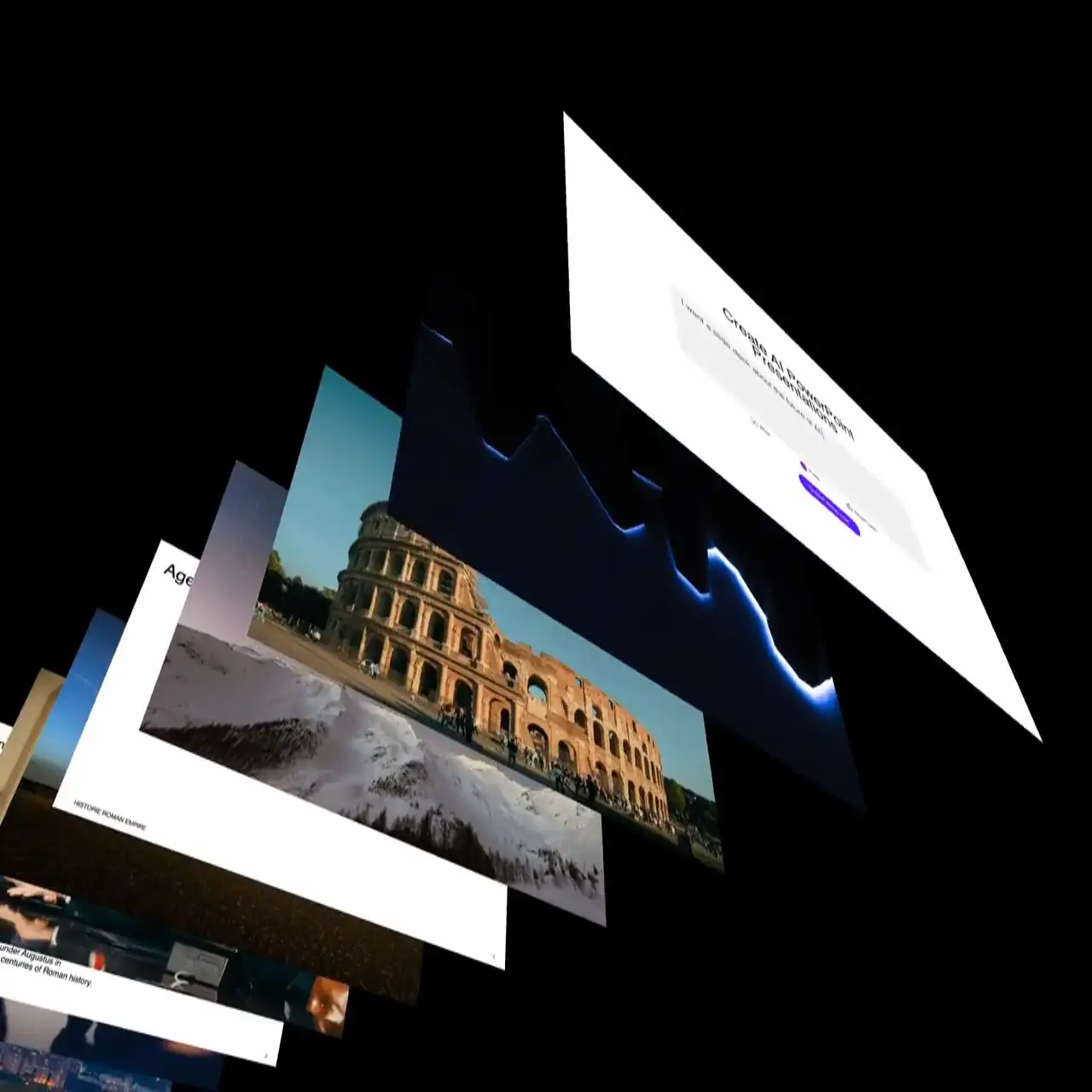
Try SlidesGPT for AI PowerPoint Presentations
Generate a structured draft deck and export it as an editable .pptx file you can finish in PowerPoint, Google Slides or Keynote. SlidesGPT focuses on the structure-first workflow so the file behaves like a real PowerPoint file — not a closed format you're stuck inside.
Get started