Add presentation generation with SlidesGPT to your own AI application or Agents
SlidesGPT offers a remote MCP server. It brings all the tools and know-how from the millions of SlidesGPT users on our ChatGPT App (MCP-powered) and our Claude Connector (also MCP-powered). Point any MCP-compatible client at one URL and your agent can generate full PowerPoint decks, apply themes, and create images.
https://mcp.slidesgpt.com/mcp
Quick start
Add the server to your MCP client configuration. No keys, no OAuth.
{
  "mcpServers": {
    "slidesgpt": {
      "url": "https://mcp.slidesgpt.com/mcp"
    }
  }
}
Works in any client that supports remote MCP servers, including Claude Desktop, Cursor, and Cline. Restart the client after saving.
Five tools out of the box
Every tool returns structured results and interactive widgets your client can render inline.
create_slides
Generate a complete presentation from a topic or outline, with layouts and images chosen to fit the content.
apply_theme
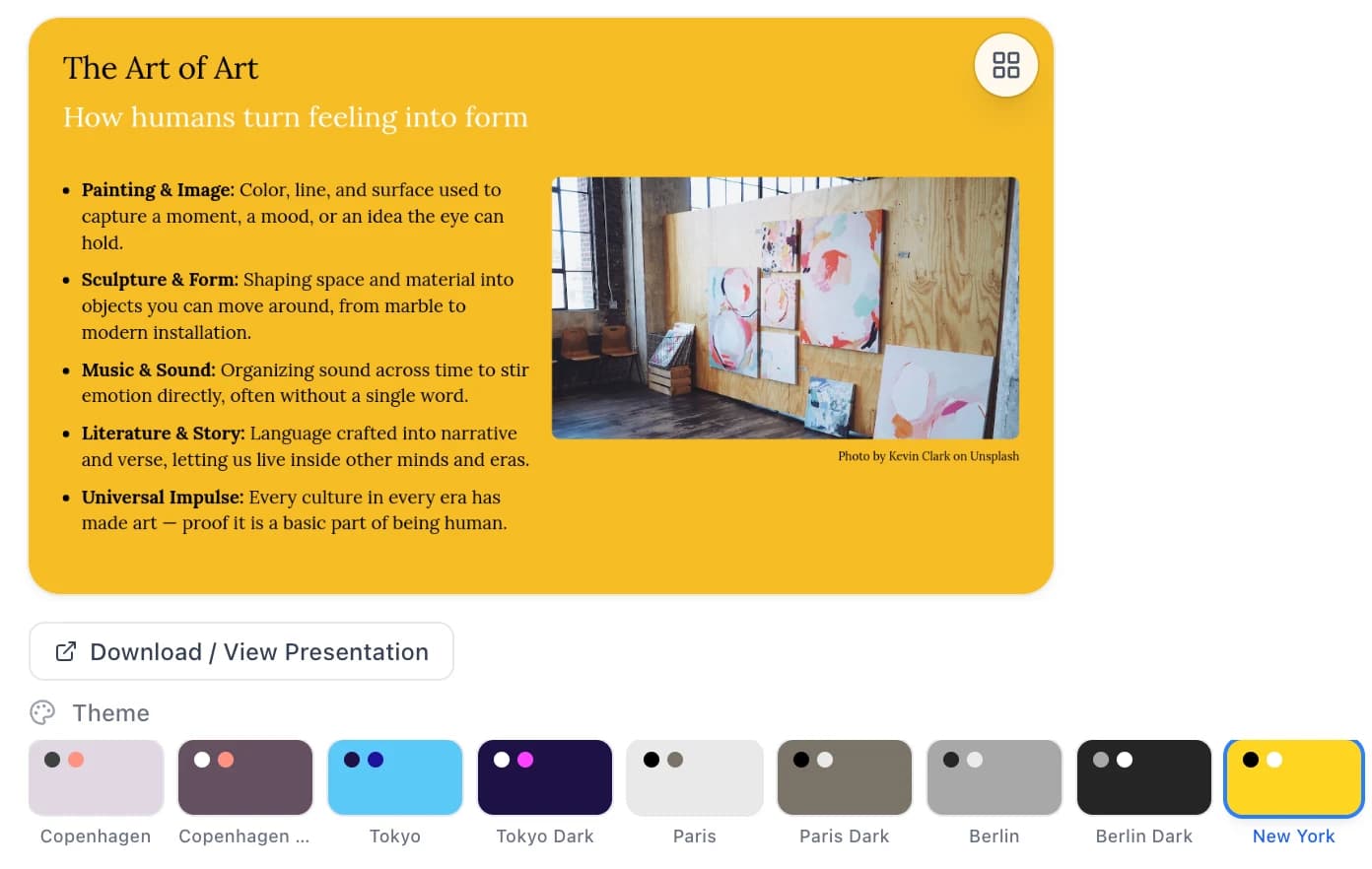
Re-render an existing presentation under a new theme without changing its content.
generate_image
Create a custom image from a text prompt and use it inside a slide.
show_theme_picker
Render an interactive theme picker so the user can choose a look in the chat.
upload_files
Pass documents into the pipeline so the deck is built from your own source material.
Built for agents
Designed to drop into an existing agent or app with minimal setup.
Stateless and keyless
No account, OAuth, or API key. The server is anonymous and holds no per-user state.
Interactive widgets
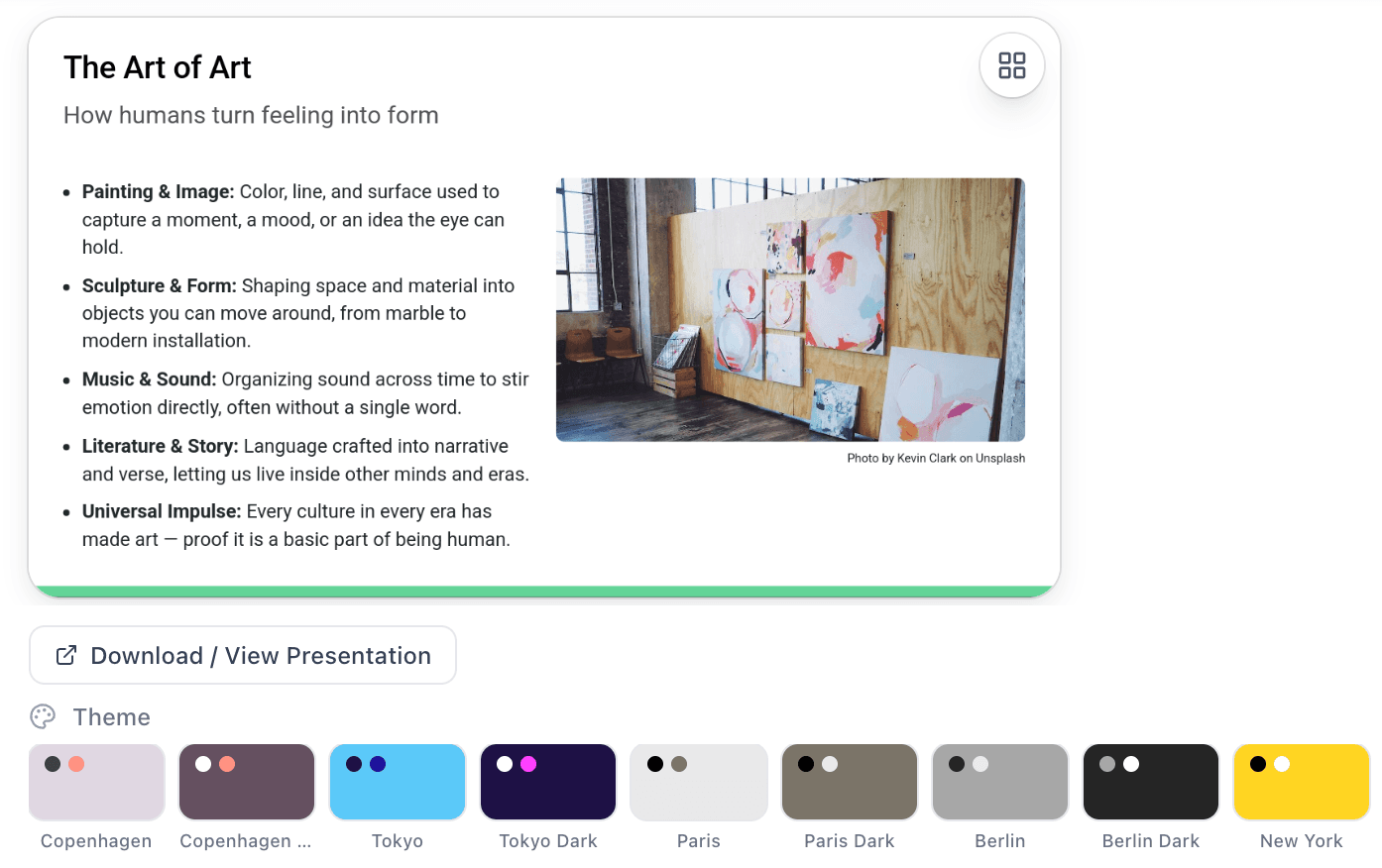
Tools return a slide carousel, theme picker, and PowerPoint download that render directly in compatible clients.
Any MCP client
Standard Model Context Protocol over HTTP, so it works with any compliant client or custom agent.
The same experience your users get in Claude
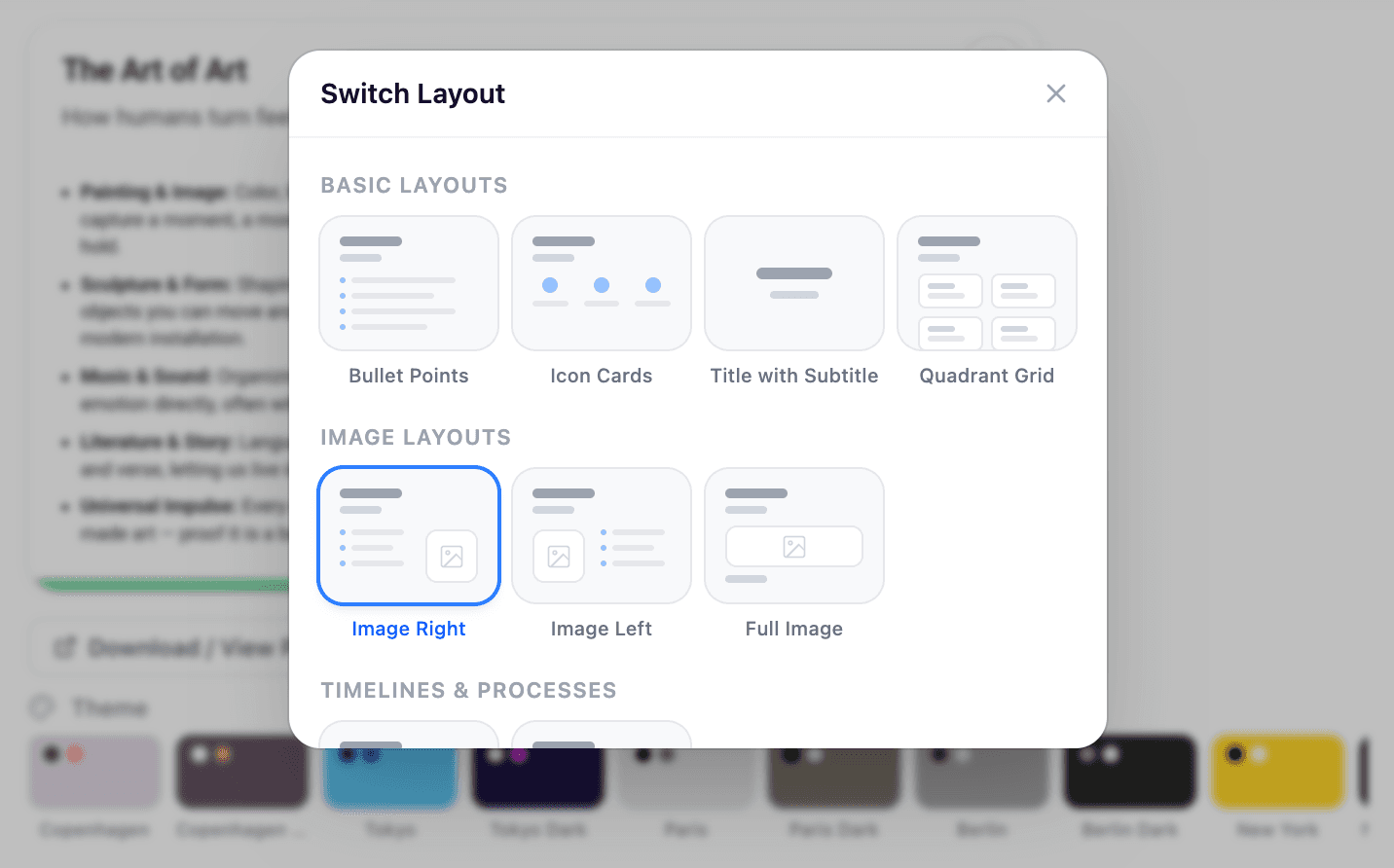
Connect the SlidesGPT MCP server to your own app or agent and your users get the same in-chat flow that millions already use in Claude: generate a deck, switch layouts, change themes, and download as PowerPoint.
Works with your stack
FAQ
Want the full tool reference? The docs cover inputs, outputs, and example prompts.
Wire it up in minutes
Copy the URL, drop it into your client, and start generating decks from your agent.