
 Presentations.ai
SlidesGPT vs Presentations.ai
Both are free to start, but they gate export differently and take different views of the finished deck.

Benjamin Spinola, Co-Founder · SlidesGPT
Published July 3, 2026 · Updated August 13, 2026 · 7 min read
A hands-on comparison of SlidesGPT and Presentations.ai, based on our own test deck run through both tools in August 2026 alongside each tool's public documentation.
Presentations.ai is a standalone generator with a polished editor, automatic brand syncing, and shareable links with slide-level analytics. SlidesGPT is a standalone generator focused on an editable PowerPoint, Google Slides, or Keynote file, built from text, a PDF, or a YouTube link.
Both are free to start, and neither exports a PowerPoint on its free tier. Presentations.ai reserves PowerPoint export for its paid plans; SlidesGPT includes export in its Pro plan. The two differ most on input breadth and on what the tool is built around.
SlidesGPT vs Presentations.ai at a glance
| Feature | SlidesGPT | Presentations.ai |
|---|---|---|
| Editable PowerPoint export | Native, editable .pptx on the Pro plan; also Google Slides and Keynote | Native, editable .pptx on paid plans; free users cannot export to PowerPoint |
| Free to start | Yes. Generate and preview a full deck for free | Yes, a free Starter tier, though it cannot export to PowerPoint |
| Input sources | Text prompt, PDF, and YouTube | Text prompt, plus document and spreadsheet inputs |
| Distinctive extras | Focused on the editable output file | Brand Sync, shareable links, slide-level analytics |
| Best for | People who want an editable file and broad inputs | People who want auto-branding, shareable links, and analytics |
What SlidesGPT and Presentations.ai cost
Prices as we saw them in August 2026. The row that matters is the last one: the cheapest plan that hands you a PowerPoint whose text you can actually edit.
What the free tier gives you
- SlidesGPT
- Generate and preview full decks, no export
- Presentations.ai
- Generates a full deck you can view but cannot download in any format
Cheapest plan with an editable PowerPoint
- SlidesGPT
- Pro at $7.49 a month billed annually ($89.99 a year)
- Presentations.ai
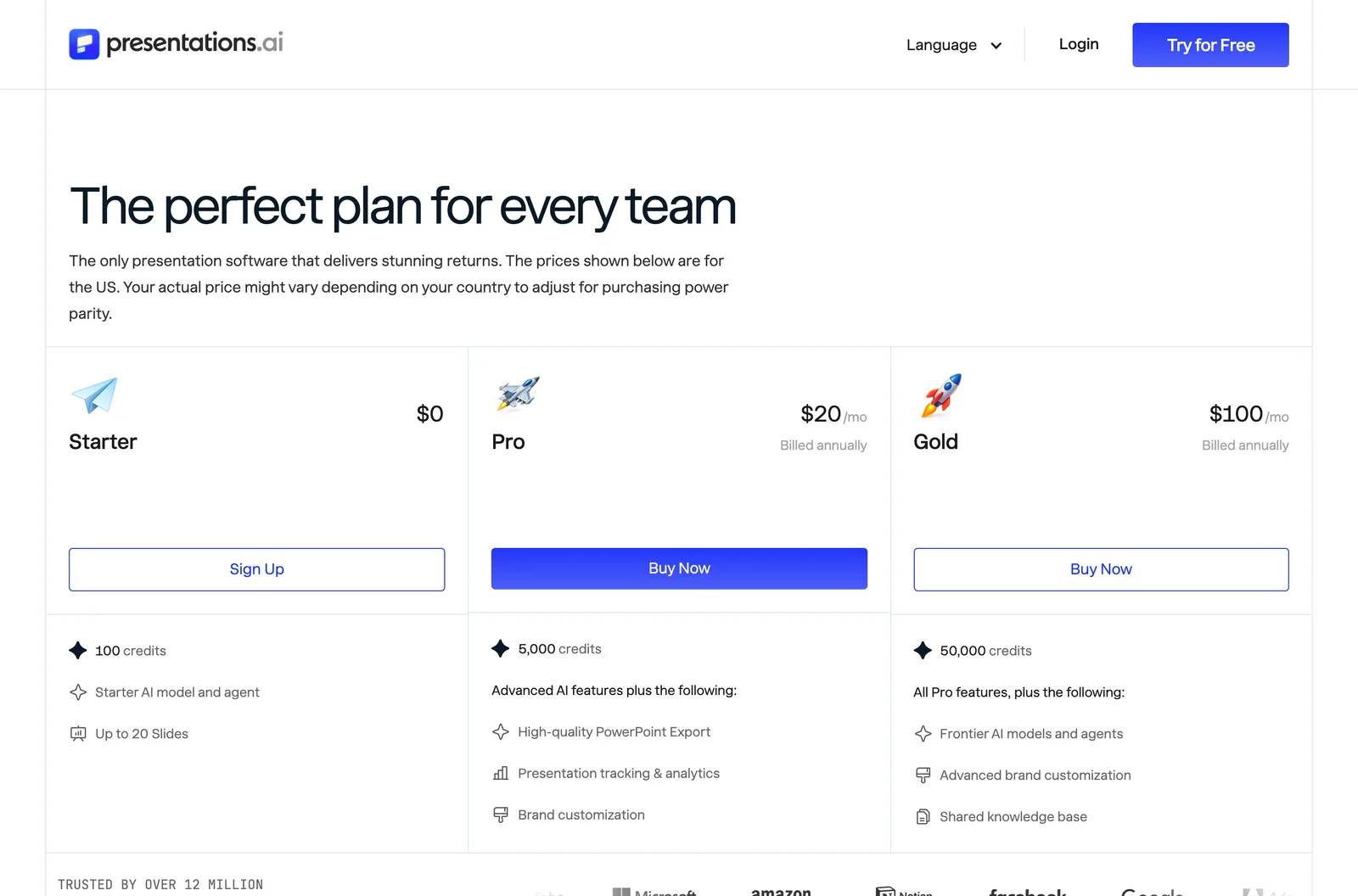
- Pro at $20 a month, billed annually
What you actually get in that file
- SlidesGPT
- Editable PowerPoint, Google Slides and Keynote, 10 downloads a month
- Presentations.ai
- We could not test the exported file, because export is paid
Metered by credits?
- SlidesGPT
- No credits. Pro is capped in decks, not tokens: 10 downloads a month
- Presentations.ai
- Yes. 100 credits on the free Starter, 5,000 a month on Pro, 50,000 on Gold
What one deck actually costs
- SlidesGPT
- $0.75 a deck, if you use all ten ($7.49 ÷ 10)
- Presentations.ai
- About $0.28 a deck: we measured 70 credits for fourteen slides, so Pro's 5,000 is roughly 71 decks a month
Currency we were shown
- SlidesGPT
- USD
- Presentations.ai
- USD
Checked August 2026 from each vendor's own pages and, where we had an account, from inside the product. Credit allowances come from each vendor's published pricing; where we could measure consumption ourselves we say so. Several vendors set prices by region, so what you see may differ from what we saw.
Compare all nine on priceWe built the same deck in Presentations.ai
We ran the same brief through Presentations.ai on its free Starter plan in August 2026, the identical brief we gave ChatGPT, Gamma and Beautiful.ai. The generation went well. Getting the result out of the product is where it stops.
Create a PowerPoint presentation about the company 'Apple'. The presentation should include the history of the company, a list of apple devices with images and a slide about the revenue of the company.
One sentence, with no audience or tone specified. It is not the way to get the best out of any of these tools; it is what a first-time user typing a single line actually gets.
It asks which company you mean
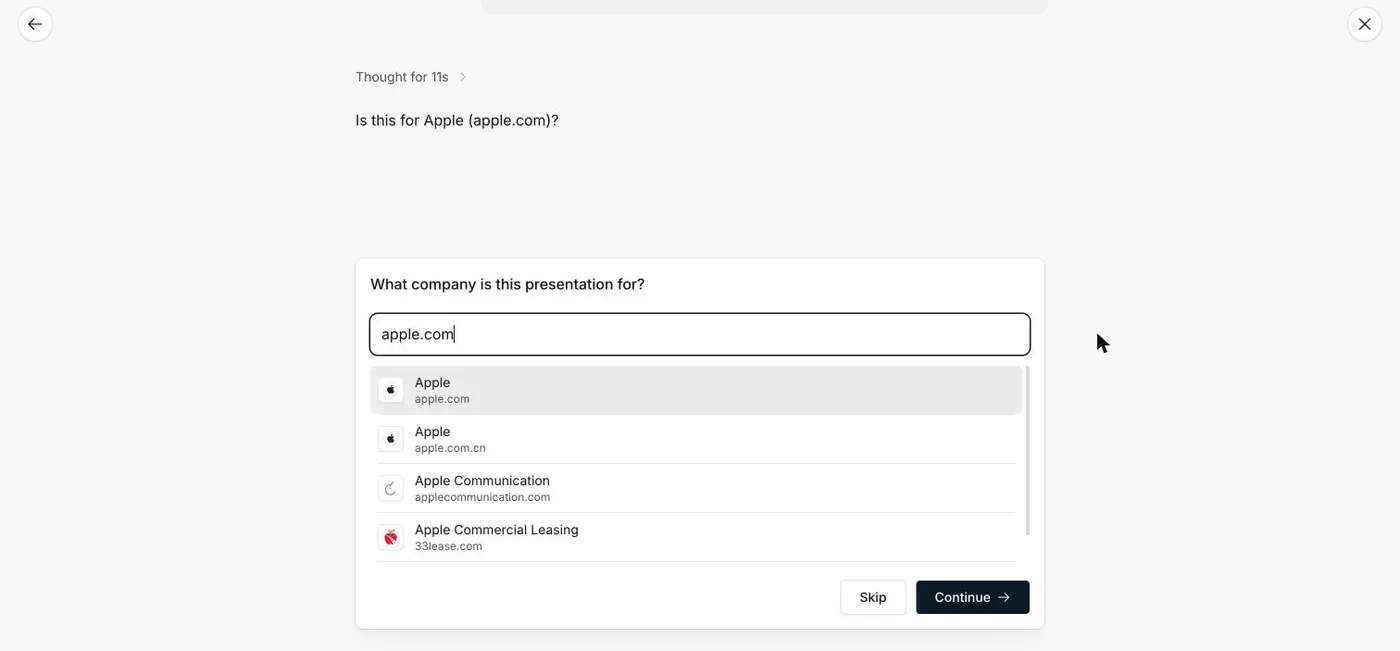
Before writing anything it paused, thought for eleven seconds, and asked a question none of the other tools asked: is this for Apple, apple.com? Confirming the domain let it pull real branding, and the deck came back in Apple's own blue with the Apple logo on the cover. If you are building a deck about a real company, that is a genuinely useful step.
The deck itself is impressive
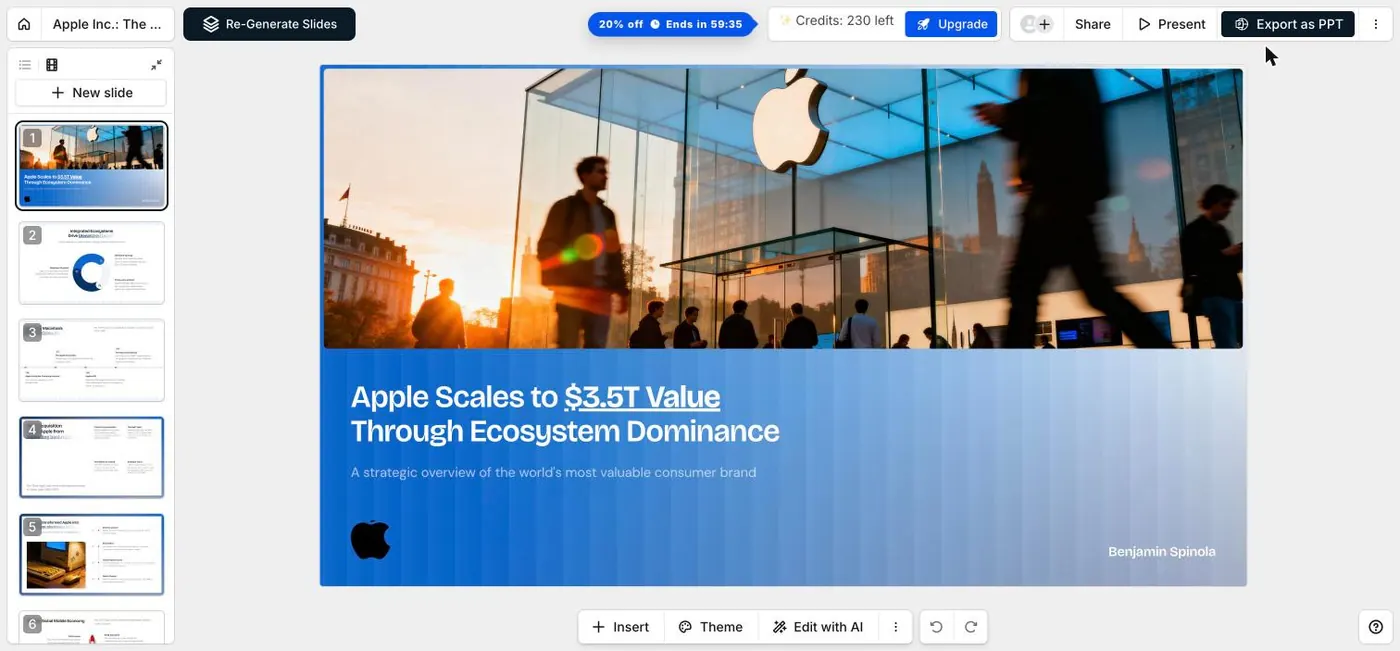
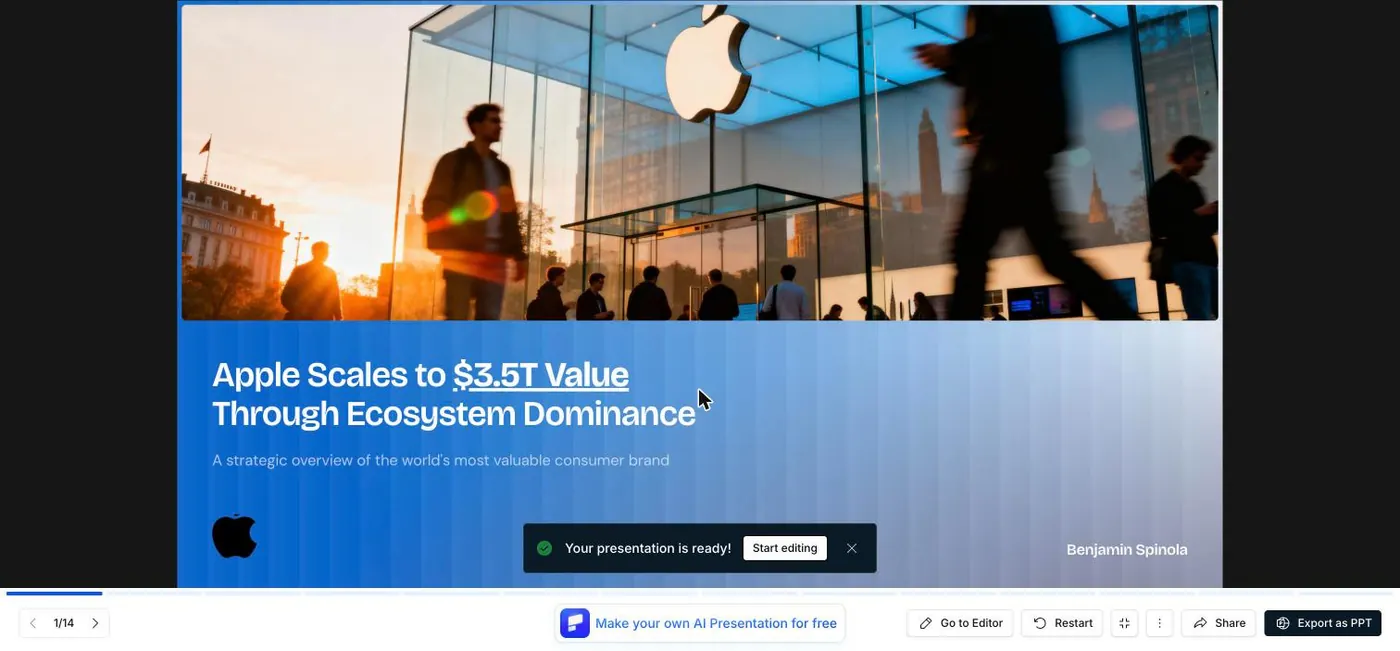
It produced fourteen slides with real photography rather than generic stock, put the presenter's name on the cover, and led with a researched figure: "Apple Scales to $3.5T Value Through Ecosystem Dominance". Of the free-tier generations we ran, this was the best-looking first draft.
Then you try to get it out
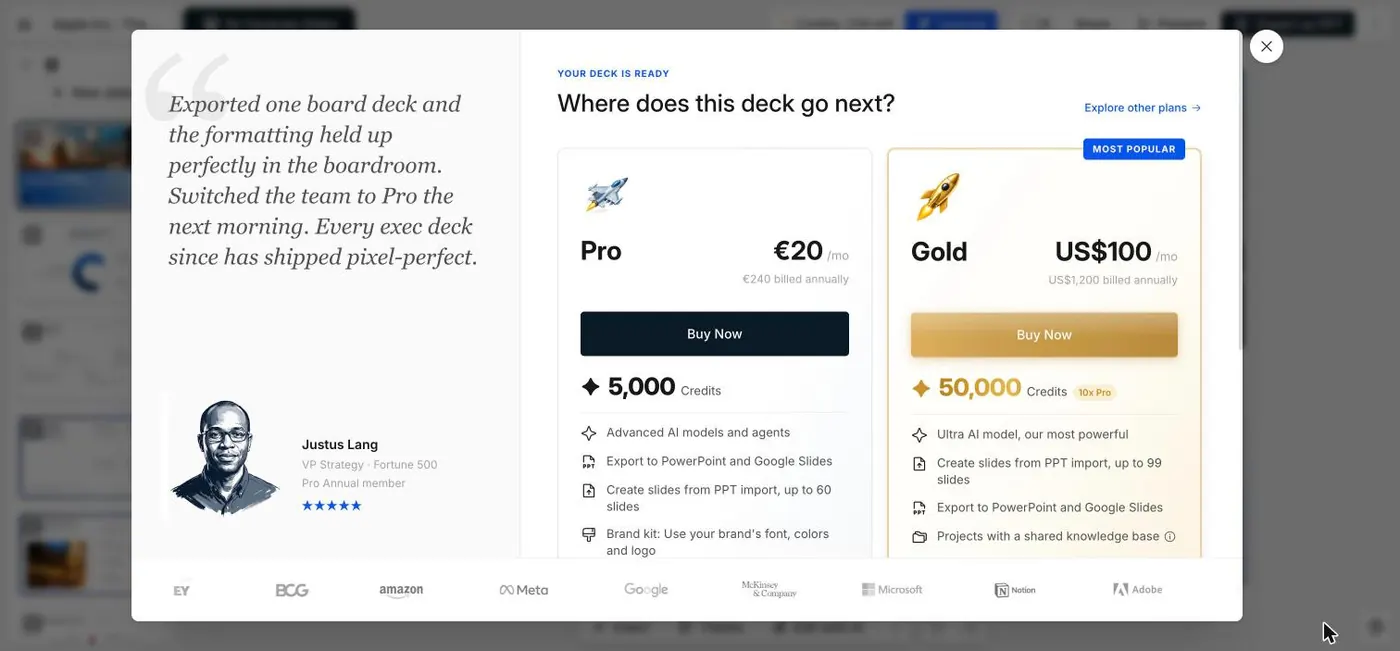
There is an Export as PPT button in the corner, and the deck is finished and sitting in front of you. Clicking it does not produce a file. It produces a pricing wall headed "Where does this deck go next?", offering Pro at 20 per month billed annually, with "Export to PowerPoint and Google Slides" listed as the thing you are buying.
And it is not only PowerPoint
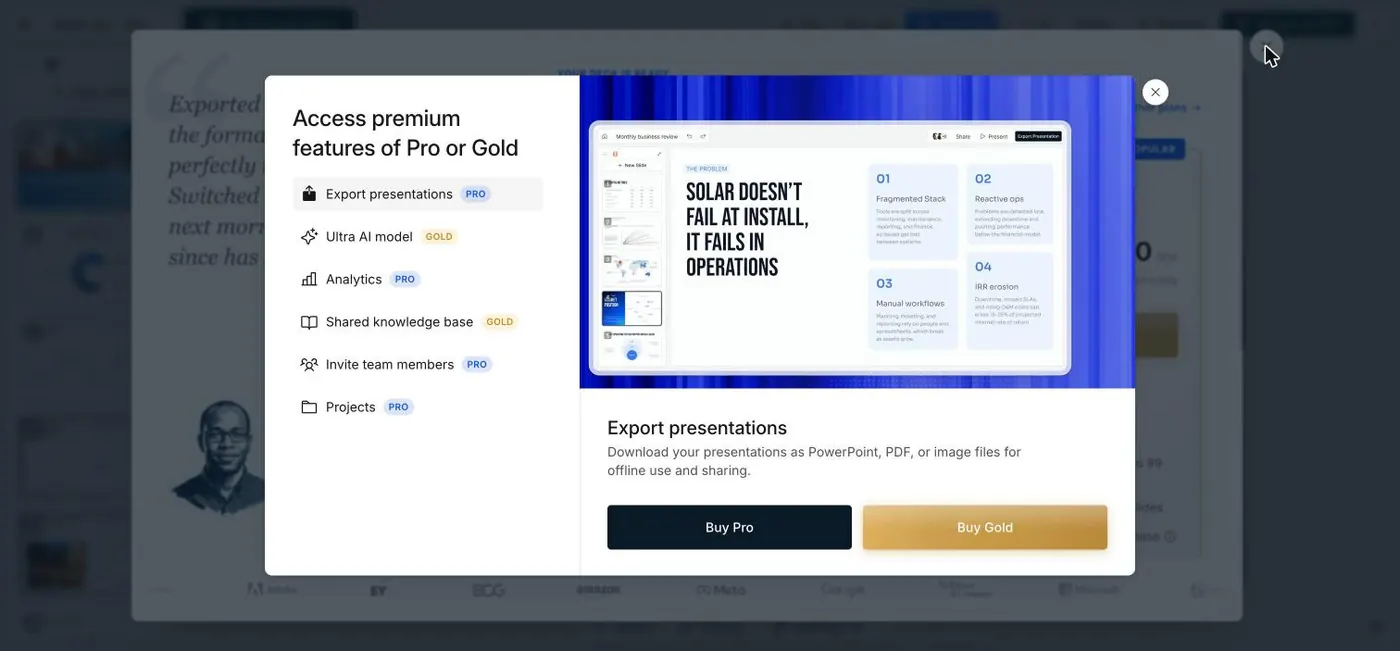
A second panel spells out what the free plan actually withholds. Export sits at the top of the premium list, described as downloading your presentations as PowerPoint, PDF, or image files. So on the free plan there is no way to take the deck out of the product at all, in any format. You can look at it and present it inside their site, and that is the extent of it.
What that costs you in credits
The account started with 300 credits and read 230 after this one deck, so fourteen slides cost 70 credits. Their published Starter allowance is 100 credits, which on this rate is a single deck and change. A countdown timer offering 20 percent off appeared in the toolbar once the deck was ready.
What that means in practice
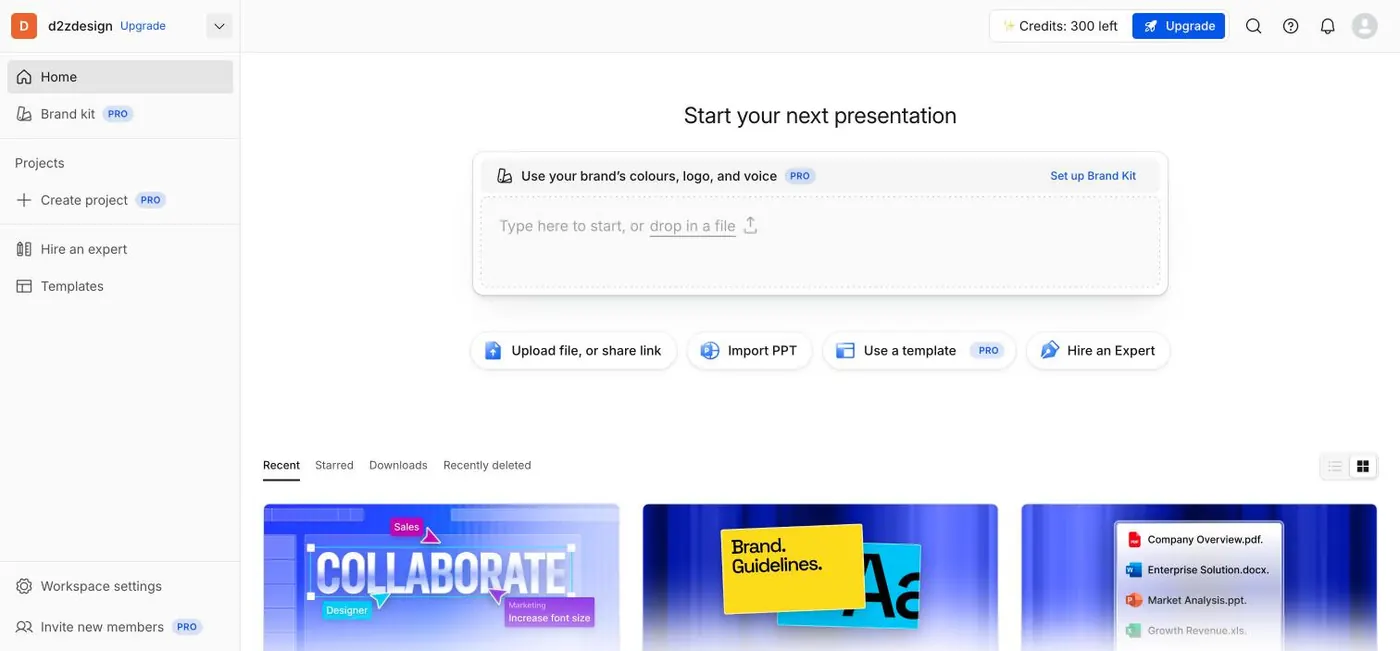
Presentations.ai markets editable PowerPoint prominently. It is on the homepage, it is on the sign-in screen as "Always editable, export to PowerPoint or continue editing anytime", and the call to action underneath says free, no credit card required. All of that is true only if you pay. The free tier is a very good demo of a deck you cannot keep. SlidesGPT also puts export on its paid plan, but it lets you generate and preview full decks for free first, so you can judge the output before deciding, and its export produces editable PowerPoint, Google Slides and Keynote files.
What Presentations.ai does well
Presentations.ai is a capable standalone platform with real differentiators. Its Brand Sync automatically applies your logo, fonts, and colors, and it offers shareable live links with slide-level engagement analytics that a file-based tool does not. For a polished, on-brand deck that you will share online and measure, those features are a genuine draw.
- Brand Sync applies your logo, fonts, and colors automatically
- Shareable live links with slide-level engagement analytics
- A polished standalone editor with a free Starter tier
Where SlidesGPT is different
Both tools are free to start and both reserve PowerPoint export for paid plans, so the difference is input breadth and focus. SlidesGPT also builds from a YouTube link and targets Keynote in addition to PowerPoint and Google Slides. We could not test Presentations.ai's export quality at all, because the free plan does not let you download a file in any format, so we make no claim about its fidelity. SlidesGPT is built around a faithful, editable output file and lets you preview a full deck before paying. Presentations.ai's brand syncing and analytics are strengths SlidesGPT does not center on.
Which should you choose?
Choose Presentations.ai if auto-branding, shareable links, and analytics matter as much as the exported file. Choose SlidesGPT if you want an editable file with faithful export, or if you want to generate from a YouTube video as well as text and documents.
FAQ

Generate your first deck
Turn a topic, a document, or a YouTube link into a structured presentation, then preview the full deck before you decide. Free to start.
Create a presentation