
 Plus AI
SlidesGPT vs Plus AI
An add-in that lives inside Google Slides and PowerPoint, versus a free-to-start standalone generator.

Benjamin Spinola, Co-Founder · SlidesGPT
Published July 3, 2026 · Updated August 13, 2026 · 7 min read
A hands-on comparison of SlidesGPT and Plus AI, based on our own test deck run through both tools in August 2026 alongside each tool's public documentation.
Plus AI and SlidesGPT both produce genuinely editable slides, so this comparison is not about export quality. It is about where the tool lives and how you start. Plus AI installs as an add-in inside Google Slides, PowerPoint, and Google Docs, generating and editing slides without leaving those apps.
SlidesGPT is a standalone web tool that generates a deck from text, a PDF, or a YouTube link and gives you a downloadable file. Plus AI has no permanent free plan, only a card-required trial, while SlidesGPT is free to start. If you are committed to editing inside Google Slides or PowerPoint, Plus AI fits; if you want a no-install, free-to-start generator, SlidesGPT fits.
One disclosure: unlike most pages in this series, we have not run our own test deck through Plus AI, because its trial requires a credit card. The details below come from Plus AI's own pricing and documentation, which state a seven-day trial, that a card is required to start it, and plans from $10 per user per month billed annually.
SlidesGPT vs Plus AI at a glance
| Feature | SlidesGPT | Plus AI |
|---|---|---|
| Free to start | Yes. Generate and preview a full deck for free | No permanent free plan. A 7-day trial that requires a credit card |
| How it runs | Standalone web app, no install | An add-in inside Google Slides, PowerPoint, and Google Docs |
| Editable output | Native, editable .pptx on the Pro plan; also Google Slides and Keynote | Native inside the host app via its add-in. But the web app we tested exports every slide as a flat image, with no editable text at all |
| Input sources | Text prompt, PDF, and YouTube | Prompts and content inside the host application |
| Best for | People who want a free start and a downloadable file | People who want to generate inside their existing Slides or PowerPoint |
What SlidesGPT and Plus AI cost
Prices as we saw them in August 2026. The row that matters is the last one: the cheapest plan that hands you a PowerPoint whose text you can actually edit.
What the free tier gives you
- SlidesGPT
- Generate and preview full decks, no export
- Plus AI
- None. A 7-day trial that requires a card
Cheapest plan with an editable PowerPoint
- SlidesGPT
- Pro at $7.49 a month billed annually ($89.99 a year)
- Plus AI
- From $10 per user a month, billed annually
What you actually get in that file
- SlidesGPT
- Editable PowerPoint, Google Slides and Keynote, 10 downloads a month
- Plus AI
- The web app we tested exports every slide as a flat image, with no editable text at all
Metered by credits?
- SlidesGPT
- No credits. Pro is capped in decks, not tokens: 10 downloads a month
- Plus AI
- Yes. 1,500 credits a month on Basic, 3,000 on Pro, 6,000 on Team, and unlimited only on Max at $200
What one deck actually costs
- SlidesGPT
- $0.75 a deck, if you use all ten ($7.49 ÷ 10)
- Plus AI
- About €0.04 a deck, the cheapest here: our seventeen-slide deck cost 6 credits, so Basic's 1,500 a month is roughly 250 decks
Currency we were shown
- SlidesGPT
- USD
- Plus AI
- USD published, EUR once signed in from Europe
Checked August 2026 from each vendor's own pages and, where we had an account, from inside the product. Credit allowances come from each vendor's published pricing; where we could measure consumption ourselves we say so. Several vendors set prices by region, so what you see may differ from what we saw.
Compare all nine on priceWe built the same deck in Plus AI
We ran the same brief through Plus AI's web app in August 2026, one of nine AI presentation tools we put through the same one-sentence brief. It produced the best-looking and best-researched deck of the nine. Then we opened the exported PowerPoint file and found there was nothing in it to edit.
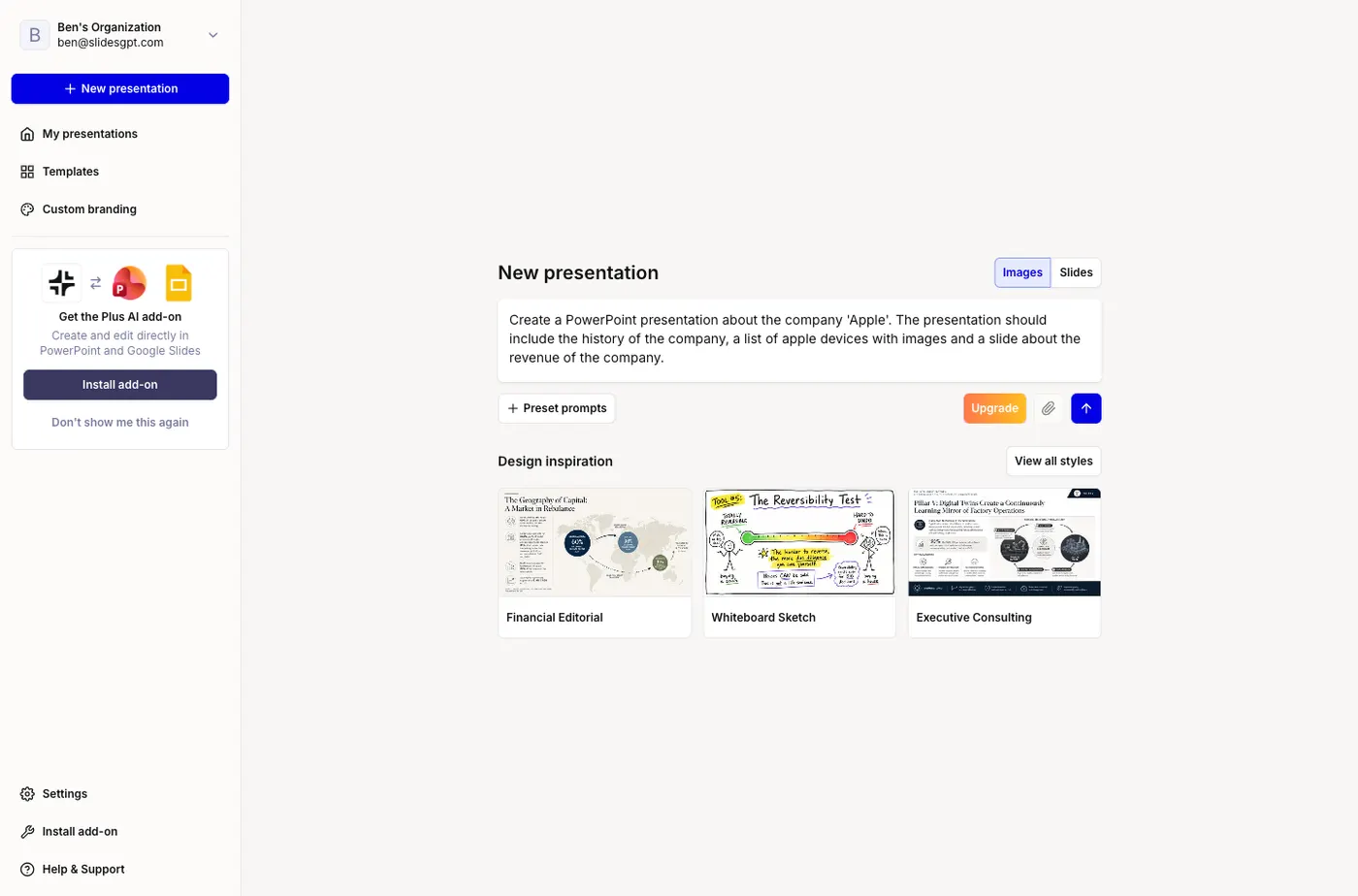
Create a PowerPoint presentation about the company 'Apple'. The presentation should include the history of the company, a list of apple devices with images and a slide about the revenue of the company.
One sentence, with no audience or tone specified. It is not the way to get the best out of any of these tools; it is what a first-time user typing a single line actually gets. Note which Plus AI we tested: the web app at plusai.com, which is what signing up gives you. Plus AI also sells an add-in that runs inside Google Slides and PowerPoint, and we have not tested that path.
It takes the whole brief and returns seventeen slides
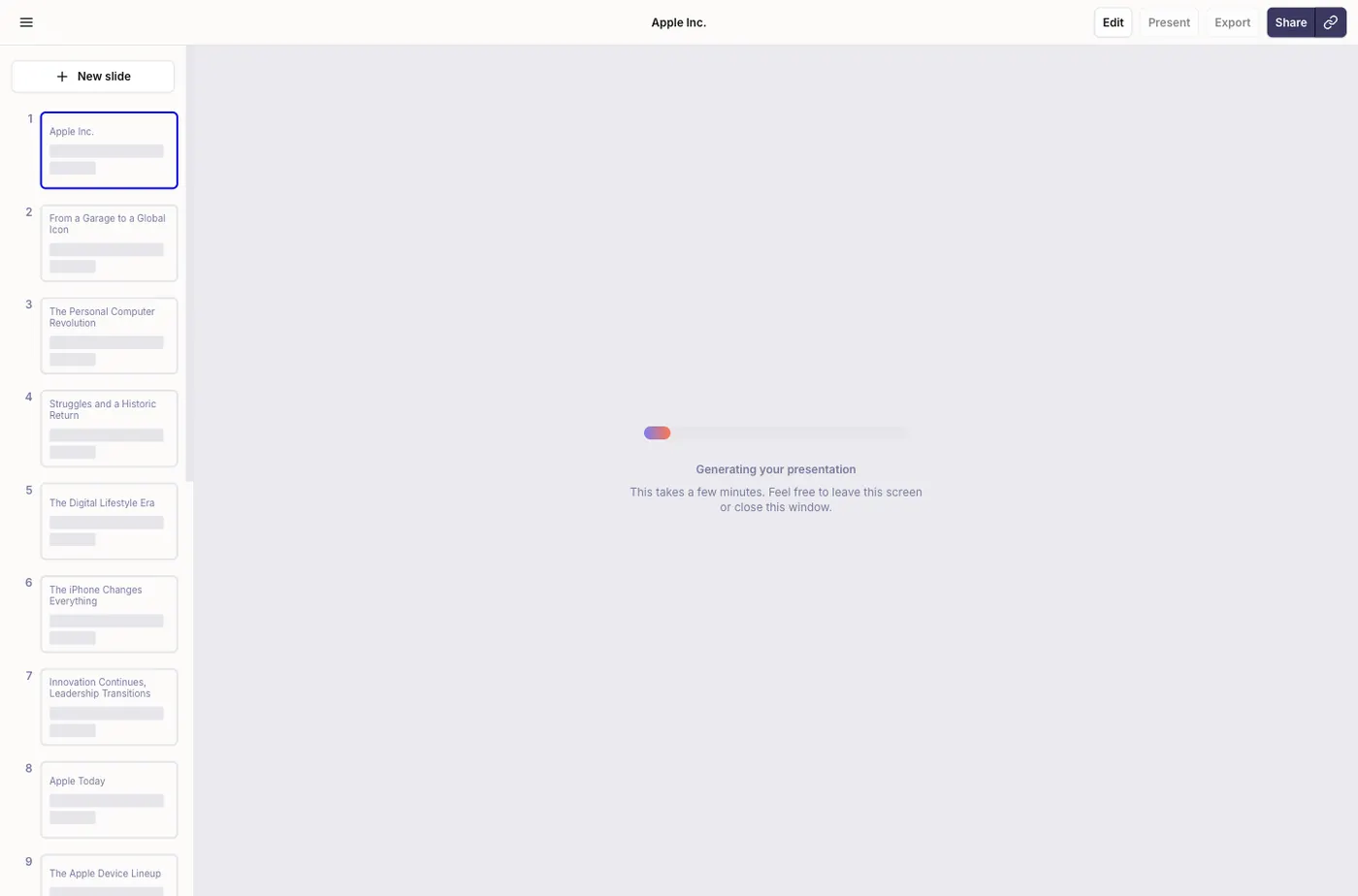
No character limit, no wizard, no questionnaire. The full two-hundred-character brief went in as typed, and Plus AI returned a seventeen-slide outline covering the founding, the personal computer era, the Jobs return, the iPhone, the device lineup and three separate revenue slides. It is the longest and most thorough response any of the nine gave us.
The deck is the best-researched of the nine
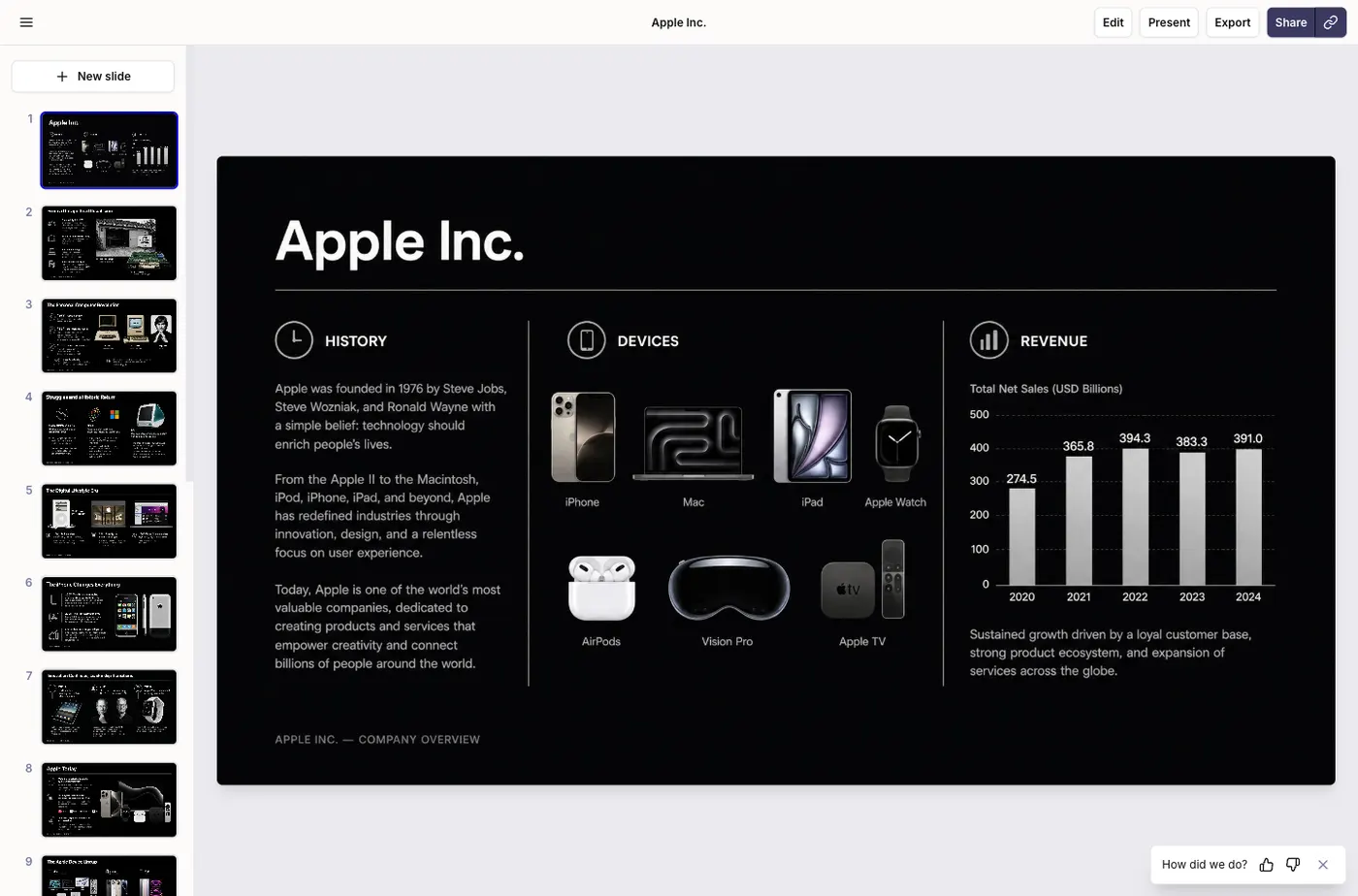
The cover alone does more than most tools manage in a whole deck: three columns for history, devices and revenue, with real Apple product renders for iPhone, Mac, iPad, Apple Watch, AirPods, Vision Pro and Apple TV, and a bar chart of total net sales reading 274.5, 365.8, 394.3, 383.3 and 391.0 billion dollars for 2020 through 2024. Those are Apple's reported figures. Only Copilot matched this for accuracy, and Copilot needed a paid Microsoft seat to do it.
Then we opened the exported file
Export is one click, free, with no dialog and no upgrade wall, which is more than most of this field manages. The file it produces is another matter. Seventeen slides, seventeen images, and every single slide is one full-bleed picture stretched to the exact size of the slide canvas. The only text anywhere in the file is a placeholder date reading 7/9/2023 and a slide-number field. Not one word of the content is text. You cannot correct a typo, change a figure, restyle a heading or reuse a layout. What you have is a PDF wearing a .pptx extension.
What that means in practice
This is the sharpest split in the whole comparison. On generation Plus AI is excellent, and if you intend to present from its own web app or share a link, none of the below matters. If you expect a PowerPoint file you can work on, the web app does not give you one. Be fair about scope: Plus AI's pitch has always been the add-in that runs inside Google Slides and PowerPoint, where slides are created natively in the host application, and we did not test that path. What we can say is that the product you reach by signing up at plusai.com exports images. SlidesGPT is free to start, needs no install, and its export produces editable PowerPoint, Google Slides and Keynote files with real text.
What Plus AI does well
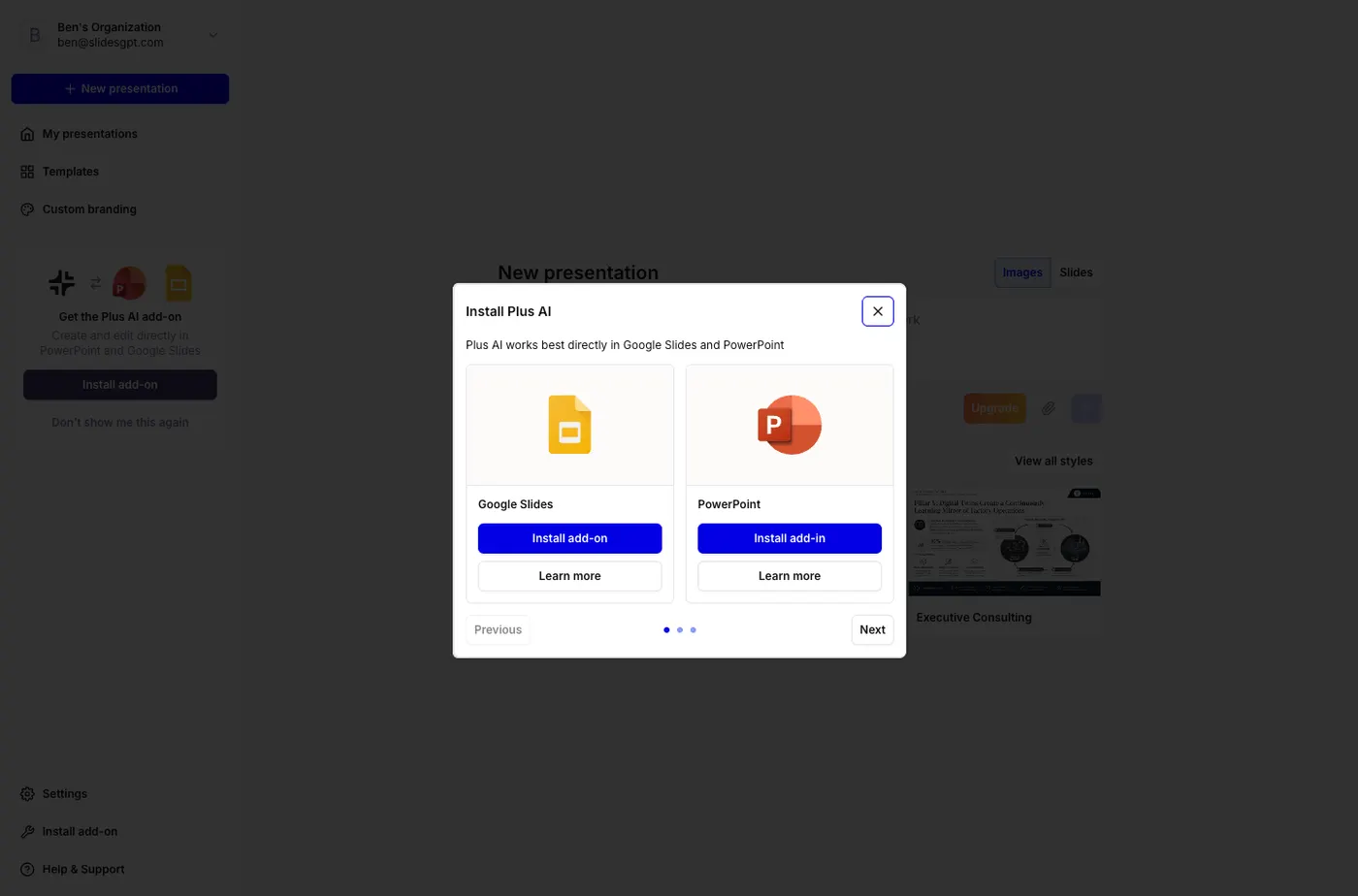
Plus AI's in-app model is a genuine strength. Because it runs inside Google Slides and PowerPoint, you keep your existing templates, brand kit, and collaboration setup instead of learning a separate editor, and the slides it makes are natively editable. For a team already standardized on Google or Microsoft presentation tools, that fit is hard to beat.
- Works inside Google Slides, PowerPoint, and Google Docs
- Keeps your existing templates and brand kit
- Creates slides natively in the host app via the add-in
Where SlidesGPT is different
Both create slides in the host app, but the web app is a different story: its export is seventeen images with no editable text, so the difference is the model, the barrier to begin, and which Plus AI you actually end up using. Plus AI is an add-in with no standing free plan; its trial needs a card. We tested its web app and found the exported PowerPoint contains no editable text. SlidesGPT is a standalone web app that is free to start, needs no install, and generates from a PDF or a YouTube link as well as a prompt, then gives you a downloadable file. Neither is more editable than the other; they suit different workflows.
Which should you choose?
Choose Plus AI if you want to generate and edit inside your existing Google Slides or PowerPoint and do not mind a paid, in-app model. Choose SlidesGPT if you want a free start, no install, and a generator that accepts a document or a video.
FAQ

Generate your first deck
Turn a topic, a document, or a YouTube link into a structured presentation, then preview the full deck before you decide. Free to start.
Create a presentation