AI PPT Maker - Create Presentations with AI
Turn your ideas into PowerPoint slides within seconds. No design skills needed. Just write a prompt and let SlidesGPT create your PPT.
#1 Presentation Tool on ChatGPT Store
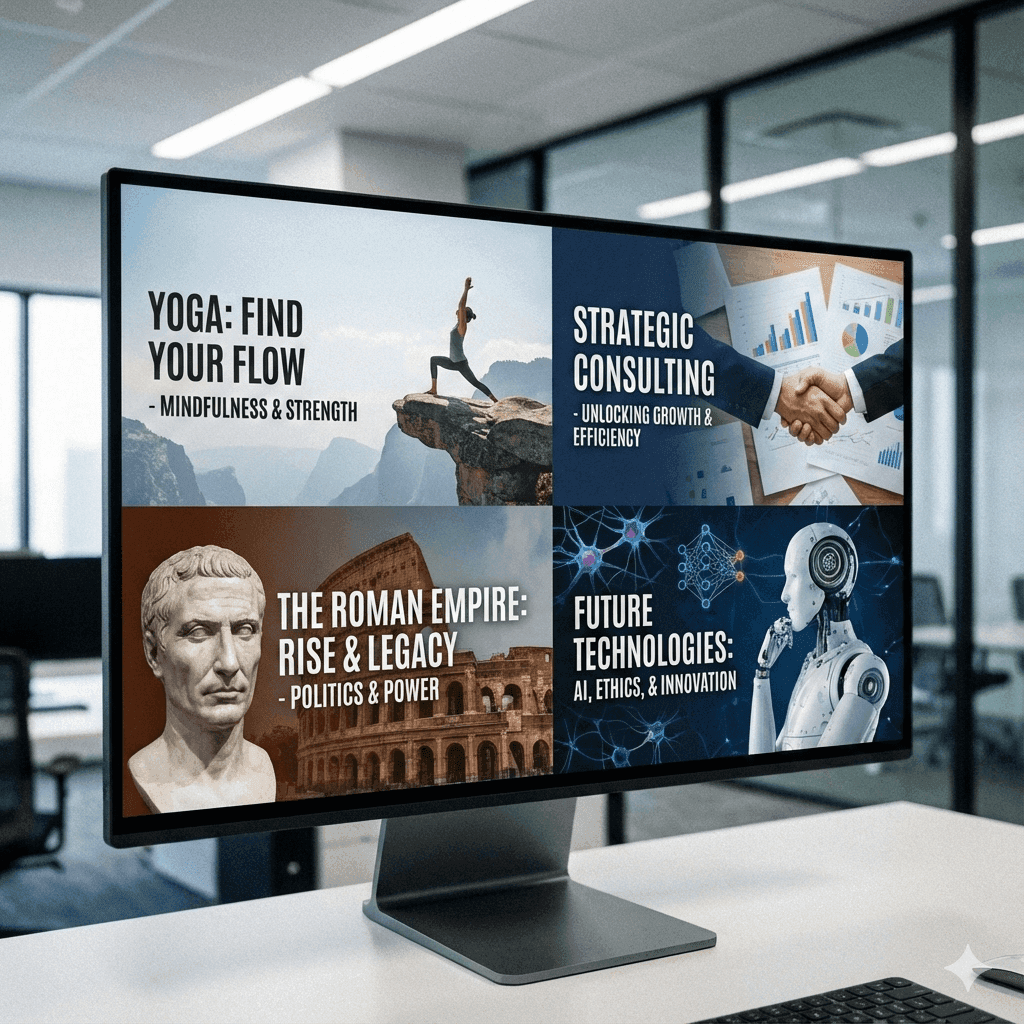
How the AI Presentation Generator Works
1. Enter Your Prompt
Type or paste text, upload a PDF document or enter a YouTube URL
2. Our AI Makes Slides
Our AI structures your content, creates an outline and designs professional slides instantly with images
3. Edit & Export
Edit your slides if needed, rearrange content, add images and download as PPT
SlidesGPT on different Platforms
There are multiple ways to use our AI PPT Maker. Pick the one that fits your needs best.
SlidesGPT on ChatGPT
Use SlidesGPT via the ChatGPT store - our most popular integration with over 10 Million presentations created. Create presentations with a chat based conversation.
SlidesGPT Native
Create directly on our web platform with full features. Upload documents, customize themes, and download instantly.
ChatGPT App
Create presentations on the go with our mobile-optimized ChatGPT experience.
Key Features of Our AI PPT Maker
Everything you need to create professional presentations within seconds.
Text Input
Describe your topic or presentation in plain text and let SlidesGPT's AI create the slides instantly
Chat-Based Input
Create through a natural conversation on ChatGPT or Microsoft Teams store. Refine the slides with a back-and-forth dialogue
AI Content Generation
SlidesGPT's AI automatically generates text well written and well formatted content based on your input
Smart Layouts
Automatic slide layouts optimized for the content type: no manual formatting
AI Image Generation
Generate custom images with the latest AI models from OpenAI and Google: for truly unique visuals
Custom Brand Themes
Create presentation themes from scratch using your own brand colors, fonts and layouts
Upload PPT Master
Upload your company's PowerPoint template and SlidesGPT will automatically use it for your presentation
Multiple Export Formats
Download your presentation as PowerPoint (.pptx, .ppt), PDF or export to Google Slides
Use Cases for AI-Generated Presentations
Business & Sales Teams
- Sales slides decks to close deals
- Business proposals and reports
- Quarterly & Annual presentations and reports
Students & Teachers
- Presentations and lectures for classes
- Research project summaries
- Materials and tutorials for education
Marketing & Content
- Product launch presentations
- Marketing campaign proposals
- Brand and strategy presentations
Consultants & Founders
- Pitch decks for investors
- Deliverables and reports for clients
- Strategy documents and plannings
From 0 to 1 in seconds: Check out our ready-to-go templates with professional design and content.
Browse TemplatesSee How It Works
Watch how easy you can create a professional presentation from any topic within seconds with the help of SlidesGPTs AI. Just type, click generate, refine and download.
SlidesGPT vs. MS PowerPoint
The table below shows the key differences between SlidesGPT and Microsoft PowerPoint.
| Feature | SlidesGPT | Microsoft PowerPoint |
|---|---|---|
| Creation Speed | Seconds to Minutes | Hours |
| Design Skills Required | ||
| AI Generated Content | only with Copilot | |
| Multiple Input Sources | ||
| Ready-to-use Layouts | Built-in | Yes, but low quality |
| Custom Brand | ||
| Learning Curve | Minimal | Steep |
| Cost | Free to start, paid for advanced features | Expensive MS Office Subscription |
AI PPT Maker FAQs
Ready to Create Amazing Presentations?
Over 10 Million presentations created with SlidesGPT in seconds
Start Creating Now
SlidesGPT Usage
Presentation Tool on ChatGPT Store
Presentations Generated
Used by hundreds of Fortune 500 teams